Installing Pre-Built Kernel Modules for Fedora
Installing Pre-Built Kernel Modules for Fedora
Initial builds of NVIDIA kernel modules are available for users who want to help test and polish the final steps of the process.
These builds are intended to offer an alternative to the local source builds that are used in akmods builds from other kernel module package repositories. Pre-built modules can be tested before they’re deployed, they’re less likely to be disrupted during a build resulting in a non-functional system, they’re easier to use in Atomic system images, and they eliminate the need for a signing key on the host where the key is trusted.
If you have RPMFusion NVIDIA drivers installed, remove them first.
sudo dnf remove '*nvidia*' --repo=rpmfusion-nonfree --repo=rpmfusion-nonfree-updates
sudo dnf remove akmod-nvidia xorg-x11-drv-nvidia\*
This removes RPMFusion’s NVIDIA packages, including akmods-built modules. If you had DKMS modules, also remove those:
sudo dnf remove dkms-nvidia
After removing, reboot before proceeding with the install below.
Users with Secure Boot enabled can install these kernel modules by adding Project Resistor’s code signing certificate to their system. This step is not required if Secure Boot is not in use.
wget https://project-resistor.codeberg.page/static/code-signing-cert.der && \
sudo mokutil --import code-signing-cert.der
mokutil will ask for a password. Enter something simple, you’ll need to enter it again after you reboot, in order to finish adding the certificate to your system.
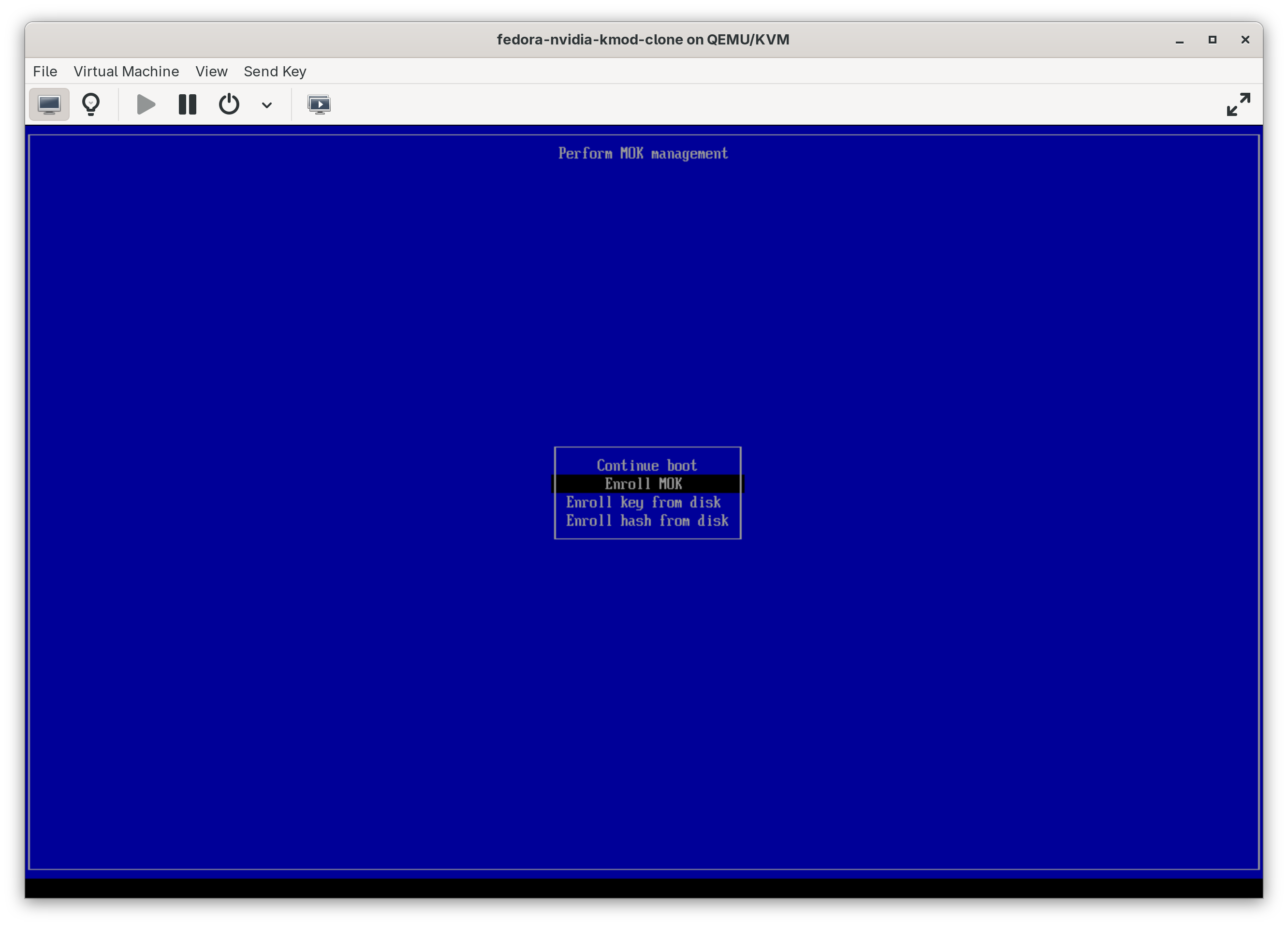
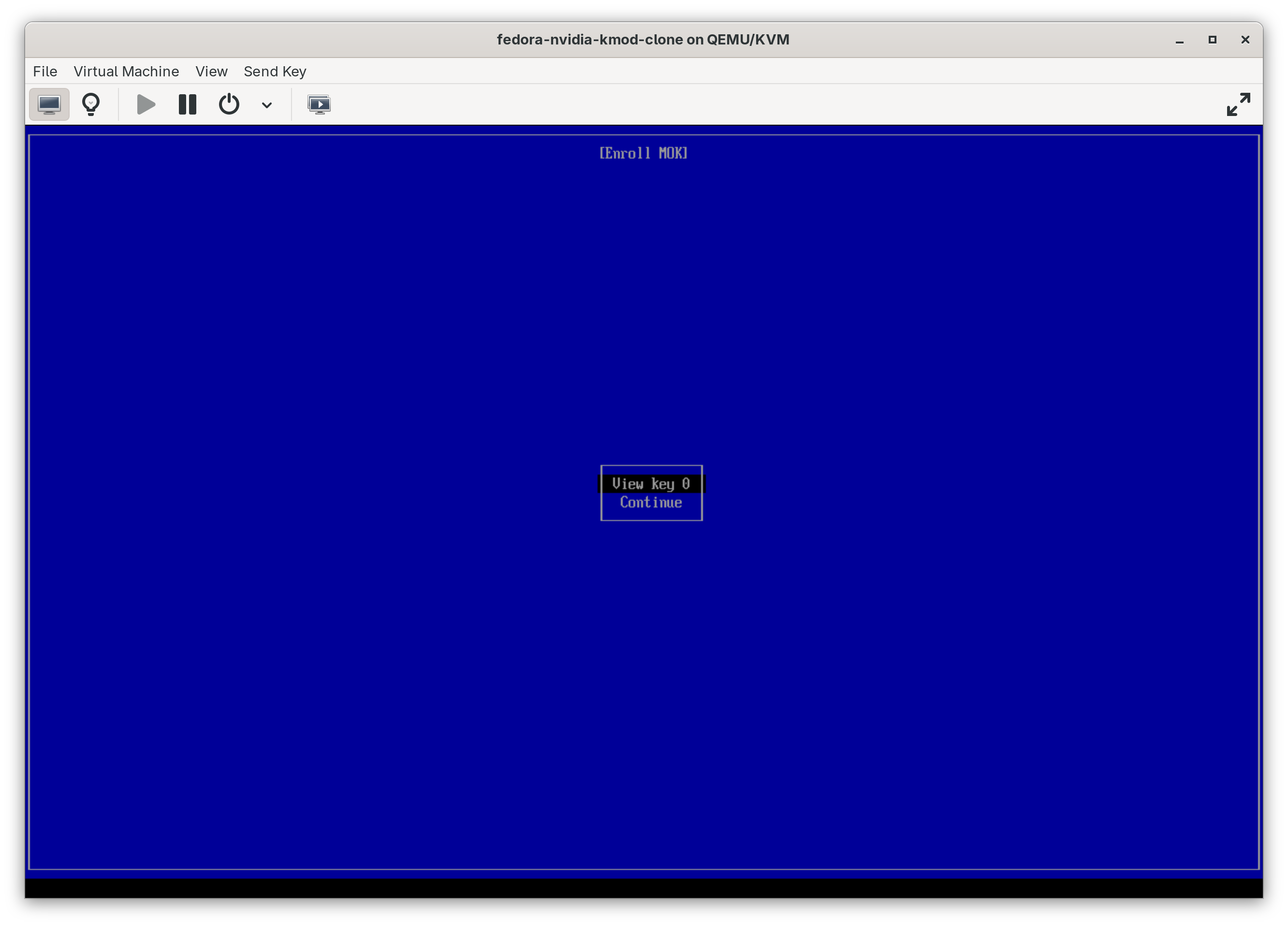
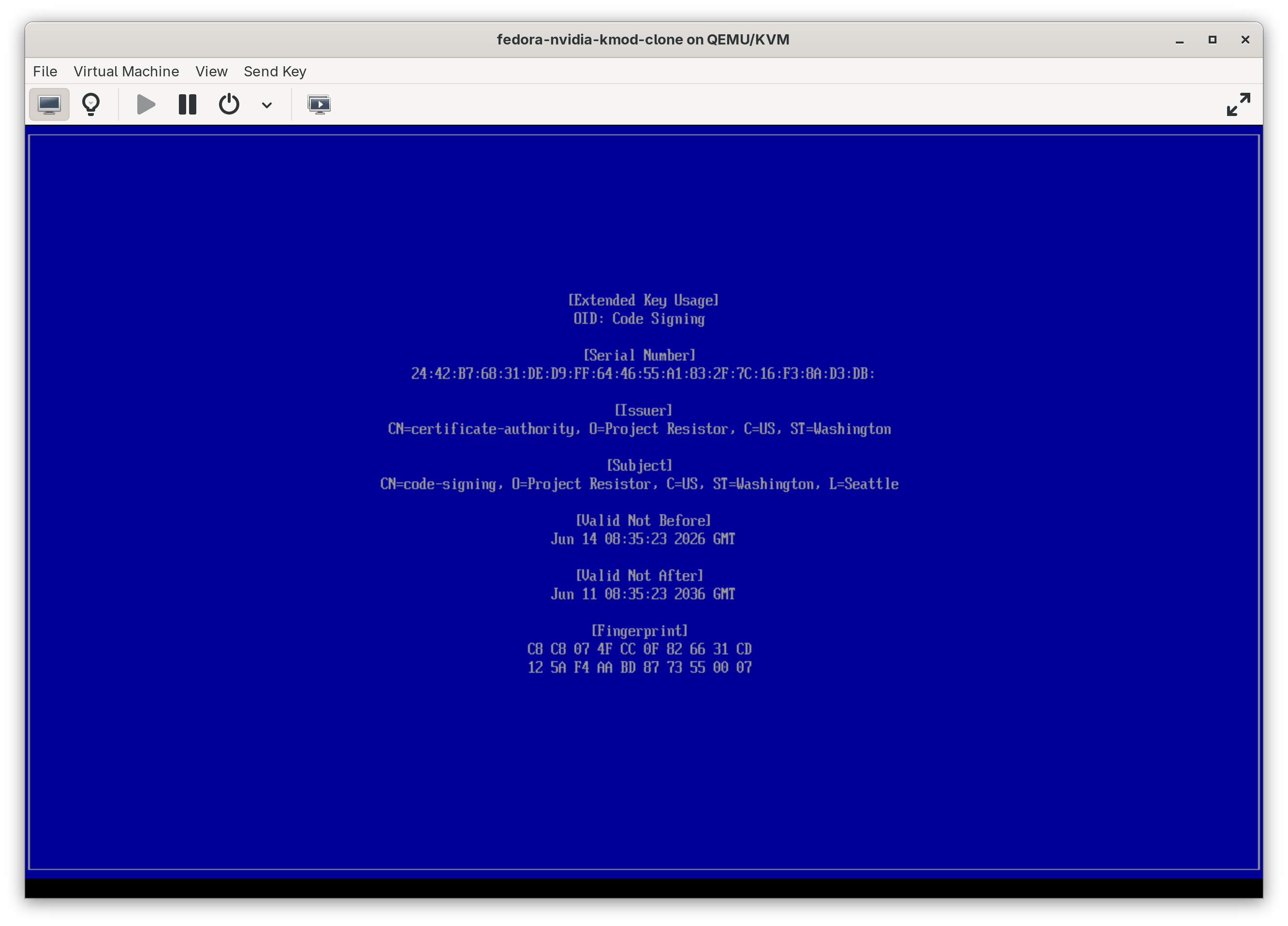
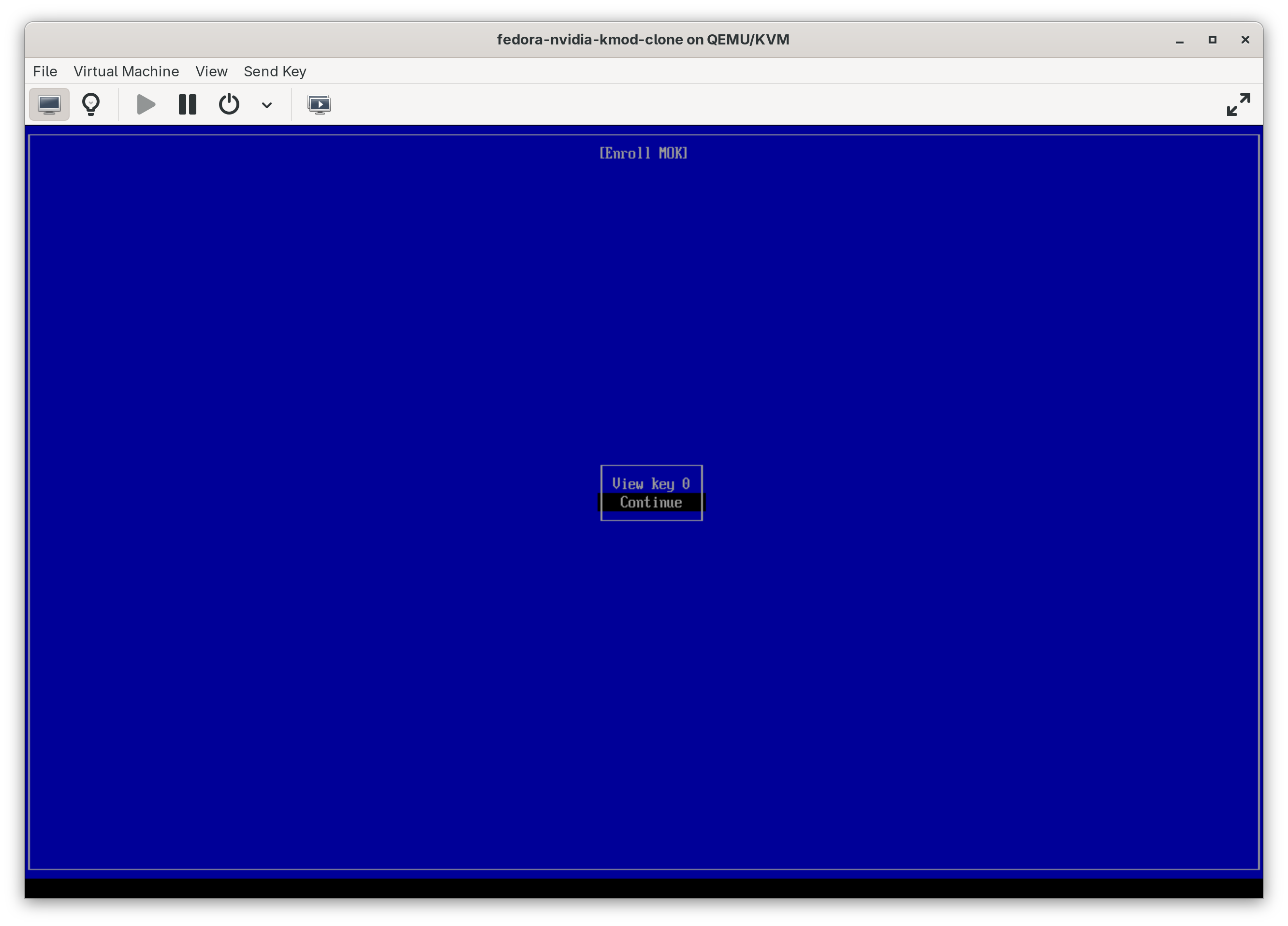
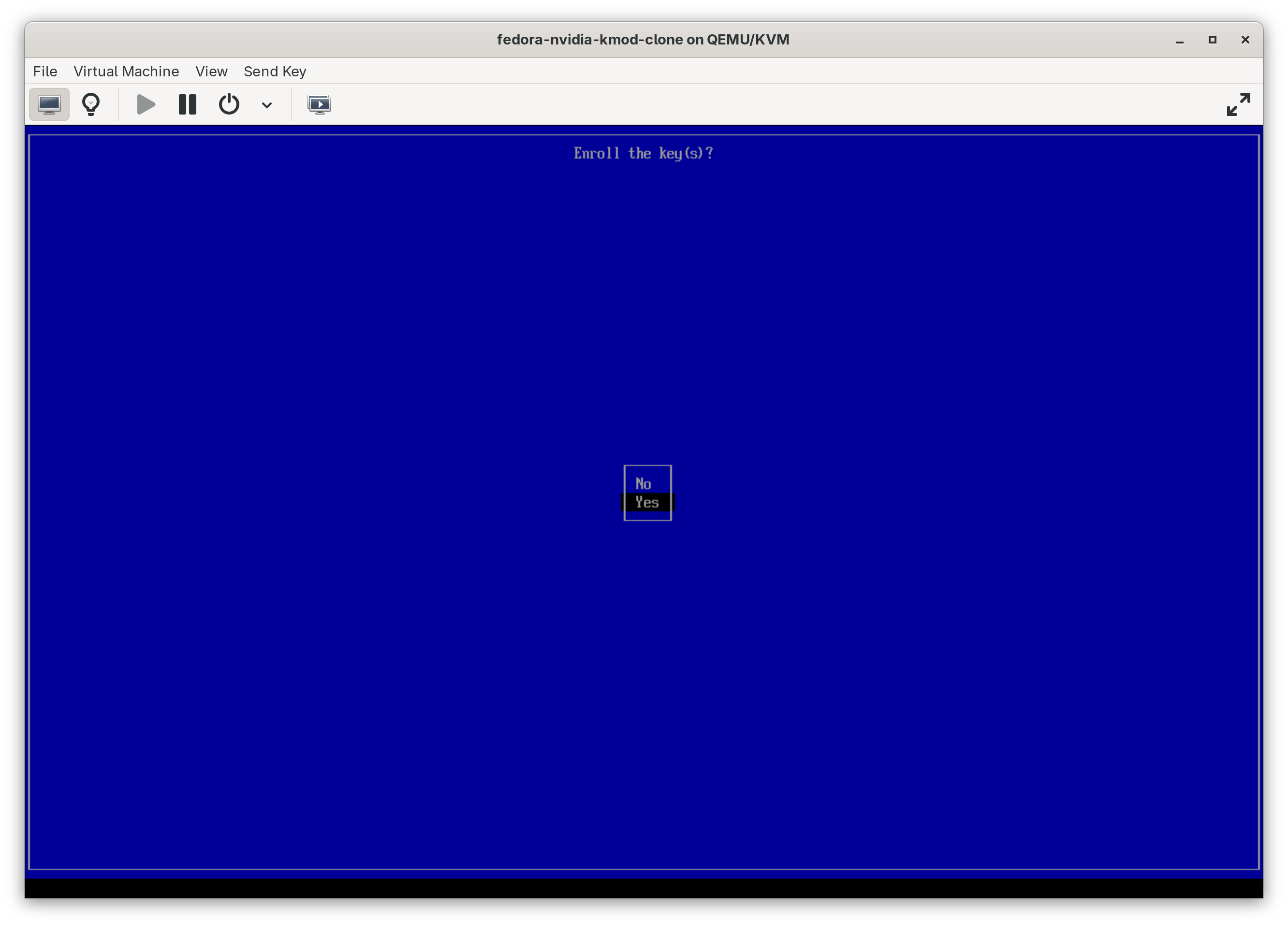
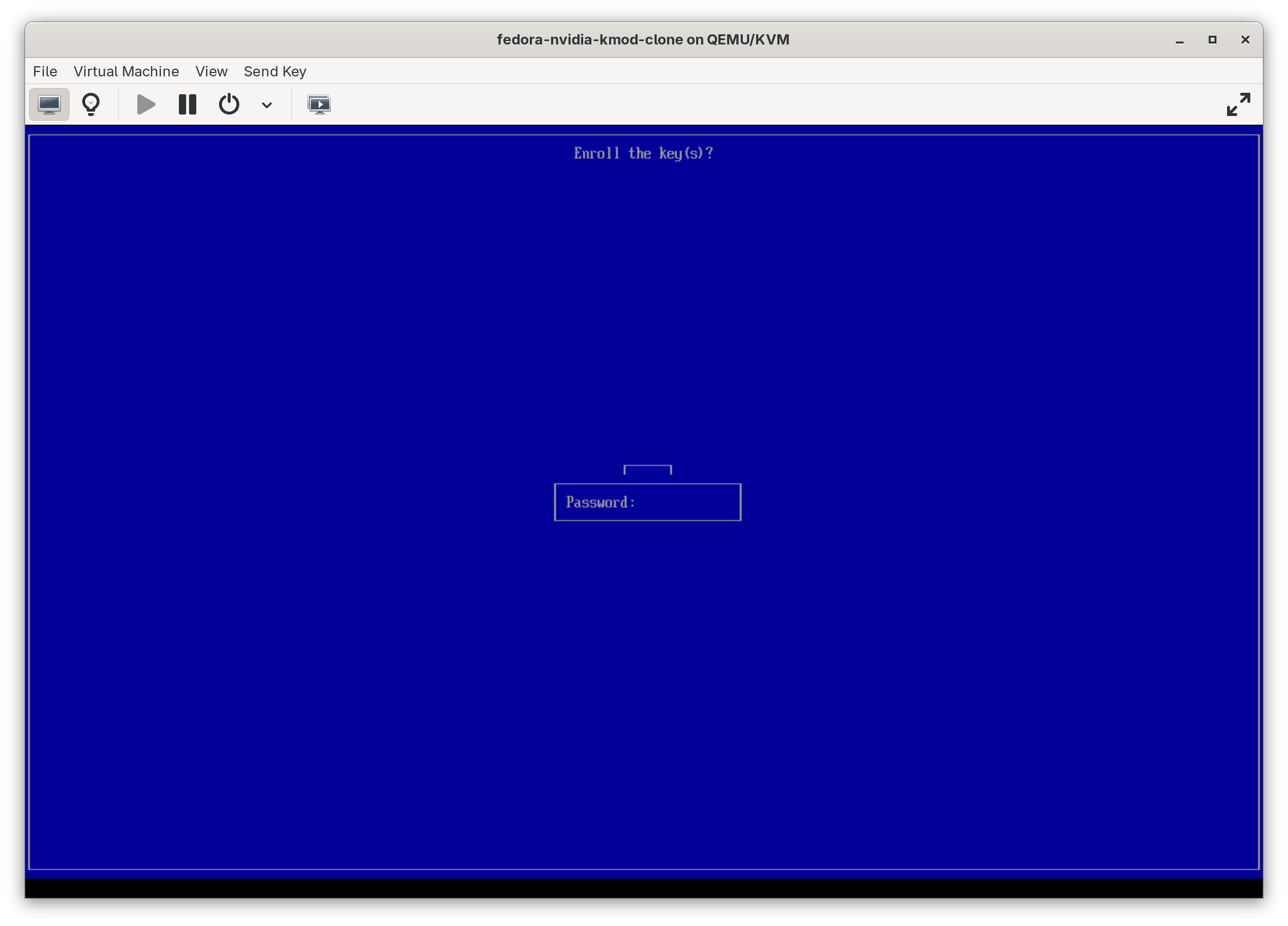
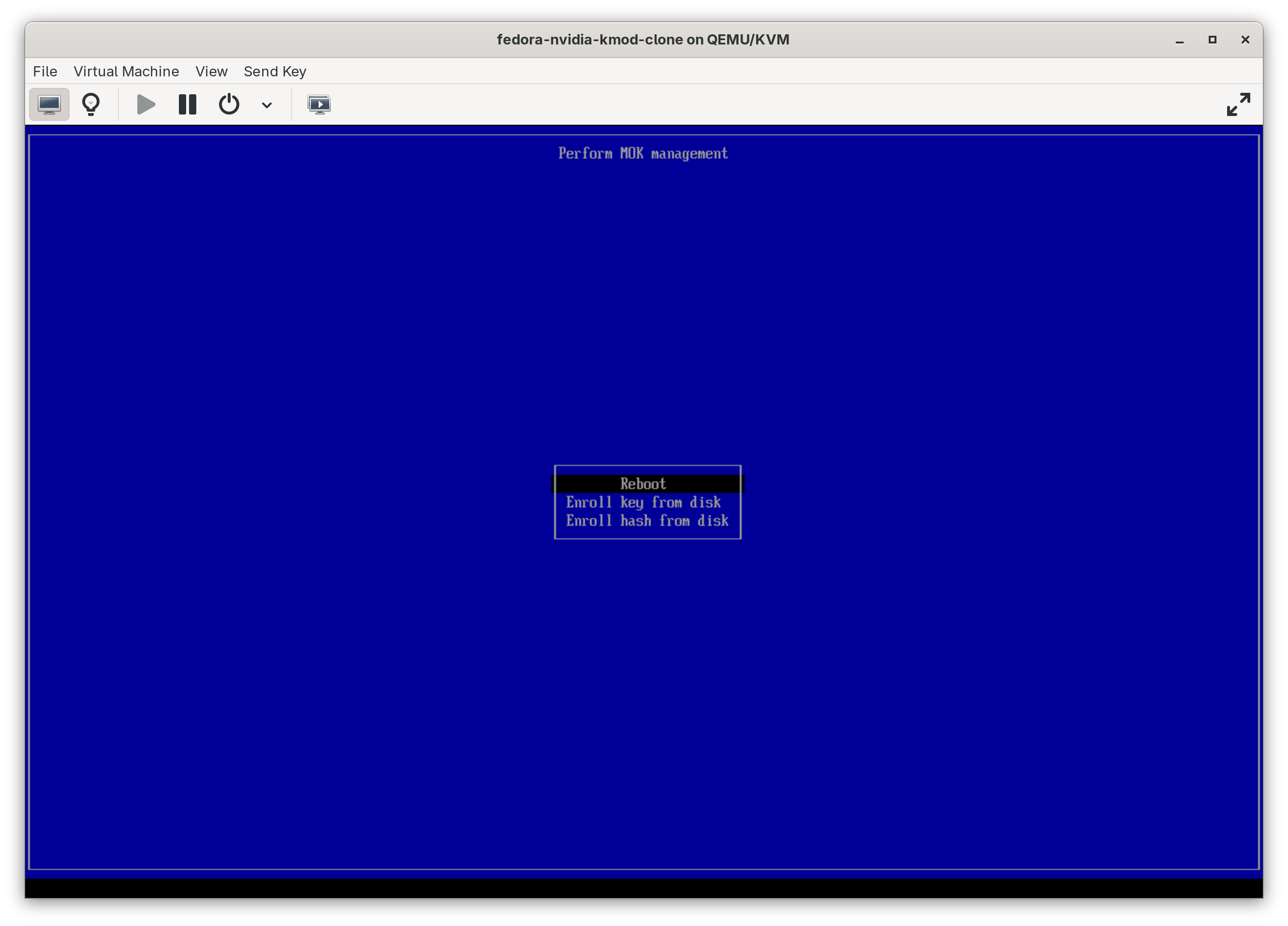
After running mokutil, you’ll need to reboot and complete the enrollment process in the UEFI MOK manager. Screenshots of that process are included below.
Then you can install the kernel module packages:
FEDORA=$(rpm -E %fedora)
sudo dnf config-manager addrepo --from-repofile=https://developer.download.nvidia.com/compute/cuda/repos/fedora${FEDORA}/x86_64/cuda-fedora${FEDORA}.repo
sudo dnf config-manager addrepo --from-repofile=https://project-resistor.codeberg.page/static/project-resistor-kernel.repo
sudo dnf install nvidia-open-kmod kmod-nvidia-open nvidia-driver
After installing, reboot to load the new driver. You can verify the module is loaded and the GPU is recognized:
lsmod | grep nvidia
nvidia-smi
MOK Enrollment Process
Here’s what the process looks like: